
Every time you glance at your smartphone to authorize a transfer or check your balance, a complex invisible dance occurs. Thousands of infrared dots map the topography of your face, converting your unique features into a mathematical representation that unlocks your financial life. This convenience has fundamentally changed mobile bank security—but it also raises a critical question. In an era of sophisticated digital theft, are you actually safer trusting your biology than a traditional string of characters?
The debate between biometric banking and traditional passwords is not just about convenience; it is about understanding the different layers of risk you face as a consumer. While Face ID and fingerprint scanners offer a seamless user experience, they operate on a different security logic than the passwords we have used for decades. To protect your hard-earned money, you must understand where these technologies excel and where they leave you vulnerable.
The Essentials
- Biometrics focus on physical presence: Face ID makes “shoulder surfing” (thieves watching you type a PIN) nearly impossible.
- Passwords offer legal protections: In many jurisdictions, you can be compelled to provide a biometric scan more easily than you can be forced to reveal a memorized password.
- Security is about layers: Neither method is perfect on its own; the strongest defense combines biometrics with robust multi-factor authentication (MFA).
- Data breaches change the game: While passwords can be changed if stolen in a breach, your facial map or fingerprint is permanent.
The Mechanics of Modern Mobile Bank Security
To determine which method is safer, you first need to understand what happens when you “log in.” A password is a piece of shared information. Both you and the bank’s server know a specific string of text. When you type it, the server compares your input to the encrypted version it has on file. If they match, you are in.
Biometric security, such as Apple’s Face ID or Android’s Face Unlock, functions differently. Your phone does not actually store a “photo” of your face. Instead, it creates a deep map of your features—the distance between your eyes, the curve of your nose, the depth of your eye sockets—and converts this into a mathematical key. When you look at the phone, it generates a new map, compares the math, and if the delta is small enough, it verifies your identity.
According to Apple’s technical documentation, the probability that a random person in the population could look at your iPhone and unlock it using Face ID is less than 1 in 1,000,000. For a traditional four-digit PIN, those odds are a much more concerning 1 in 10,000. Statistically, biometrics are significantly harder to “guess” through brute force.

The Hidden Vulnerabilities of Biometrics
If the mathematical odds are so much better for Face ID, why do security experts still hesitate to call it the ultimate solution? The answer lies in the “physicality” of the credential. You cannot change your face. If a sophisticated attacker manages to successfully spoof your biometric data or if a database containing the mathematical representations of biometric traits is ever compromised, you cannot simply “reset” your face like you would a leaked password.
There is also the “coercion” factor. Consider a scenario where an individual is physically forced to unlock their phone. It is significantly easier for a criminal to hold a phone up to your face or force your thumb onto a sensor than it is to extract a complex, 16-character password from your memory. This physical vulnerability is a primary reason why many high-net-worth individuals and security professionals disable biometrics when traveling through high-risk areas.
“Identity theft is a real threat, and it’s one that can take years to recover from. You have to be the gatekeeper of your own information. Using tools like biometrics is a great step, but you can never afford to be complacent about who has access to your digital life.” — Suze Orman, Personal Finance Expert

The Legal Distinction: Biometrics vs. Passwords
One of the most overlooked aspects of bank fraud prevention is the legal landscape. In the United States, the Fifth Amendment protects you against self-incrimination. Historically, courts have often treated passwords as “testimonial” evidence—meaning the government cannot force you to reveal the contents of your mind. However, biometrics are frequently treated as “physical” evidence, similar to a DNA sample or a fingerprint taken at a police station.
If you are involved in a legal dispute or a sensitive investigation, a court might order you to provide your fingerprint or face to unlock a device, whereas they might struggle to legally compel you to hand over a memorized passcode. For the average person, this might seem like a distant concern, but it highlights a fundamental truth: you have more control over what you know than what you are.
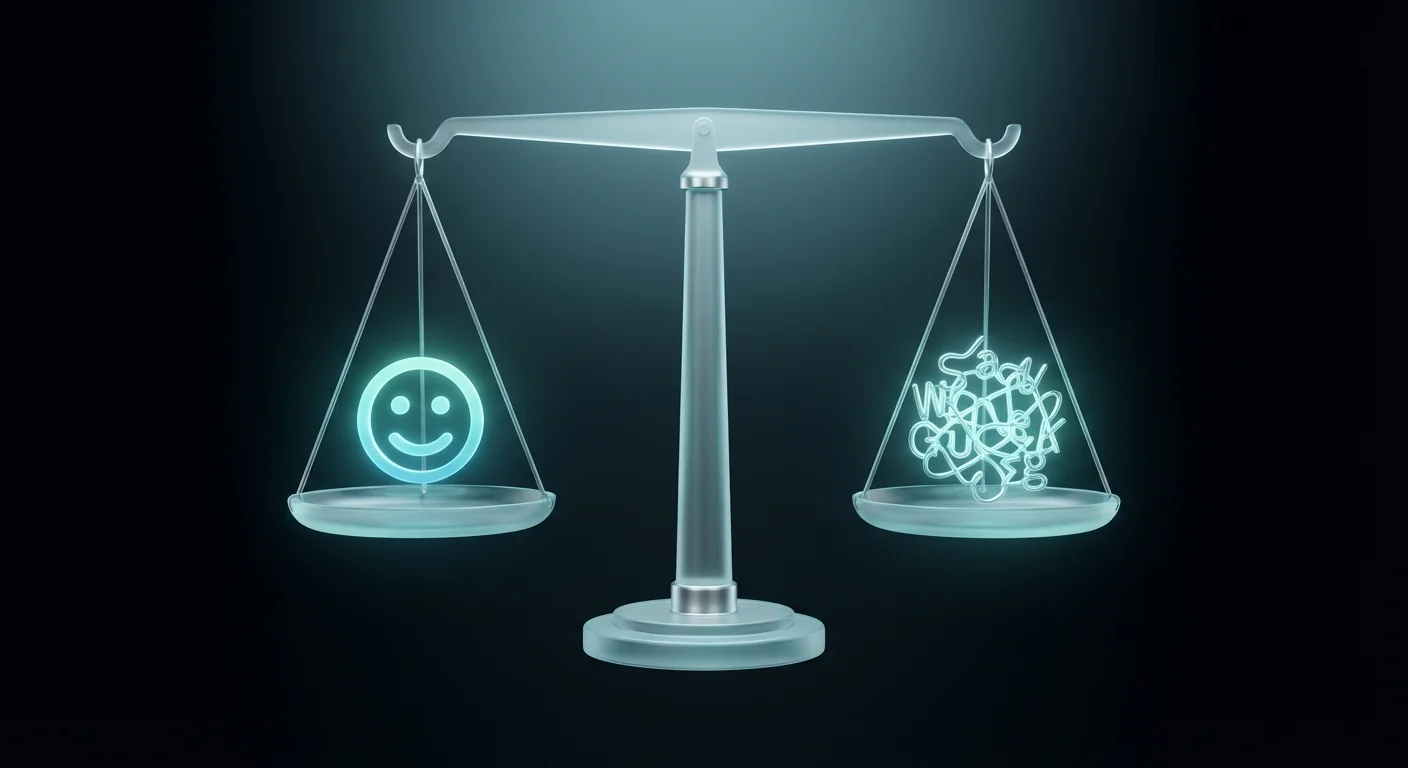
Comparison: Face ID vs. Strong Passwords
| Feature | Biometrics (Face ID/Touch ID) | Strong Password (12+ Characters) |
|---|---|---|
| Convenience | High; takes less than a second. | Low; requires typing or a manager. |
| Brute Force Risk | Extremely Low (1 in 1,000,000+). | Moderate (depending on length). |
| Shoulder Surfing | Immune; no digits to watch. | Vulnerable; people can watch you type. |
| Breach Recovery | Impossible; you cannot change your face. | Easy; just update to a new password. |
| Legal Protection | Lower; often viewed as physical evidence. | Higher; protected as testimonial evidence. |

Why Passwords Fail (And How to Fix Yours)
Traditional passwords fail not because the technology is weak, but because human behavior is predictable. Most people use the same password across multiple sites, use easily guessable information like birthdays, or choose strings that are too short. According to the Federal Trade Commission (FTC), identity theft reports skyrocketed in recent years, often fueled by credential stuffing—where hackers use passwords leaked from one site to break into another, such as your bank.
If you choose to rely on passwords for your banking apps, you must follow the modern standards set by the National Institute of Standards and Technology (NIST). This means moving away from “P@ssword123” and toward long “passphrases.” A passphrase like “Purple-Mountain-Bicycle-2024!” is much harder for a computer to crack than a complex but short password like “G9!xP2.”

The Hybrid Approach: The Gold Standard for Banking
You should not have to choose between the speed of Face ID and the security of a password. The most secure way to handle mobile bank security is a hybrid approach. Most banking apps now allow you to use biometrics for daily check-ins but require your full password or a one-time code (OTP) for high-risk actions, such as adding a new payee or transferring a large sum of money.
By enabling these settings, you ensure that even if someone manages to trick your Face ID (perhaps using a high-resolution 3D mask, though this is rare), they still cannot drain your account. You are essentially creating a “speed bump” for criminals. They might see your balance, but they cannot move your money.
Avoiding Common Errors in Mobile Security
Even with the best Face ID settings, you can leave your bank account vulnerable through simple mistakes. Avoid these common pitfalls to keep your assets secure:
- Using Public Wi-Fi: Never log into your banking app on an unsecured public network. Hackers can use “man-in-the-middle” attacks to intercept data before it is even encrypted by the app.
- Ignoring App Updates: Banks constantly patch security holes. If your app is out of date, you are essentially leaving your front door unlocked.
- Sharing Your Device Passcode: On most phones, if someone knows your device passcode, they can “reset” your Face ID to their own face. Your phone’s lock screen PIN is the master key to your biometric security.
- Falling for Smishing: SMS-based phishing (smishing) involves texts that look like they are from your bank. They often claim there is “suspicious activity” and ask you to click a link. Your bank will never ask you to provide your full password or PIN via a text link.

When DIY Isn’t Enough
While managing your own security settings is vital, there are scenarios where you need to look beyond your phone’s settings for protection. You should seek professional guidance or more advanced services if:
- You have been a victim of a major data breach: If your Social Security number was part of a leak (like the Equifax breach), standard passwords are no longer enough. You may need to place a credit freeze via the Consumer Financial Protection Bureau (CFPB) resources.
- You manage high-value corporate accounts: Personal banking security is different from business banking. If you handle millions in transfers, you should use hardware security keys (like YubiKeys) rather than just Face ID.
- You suspect your identity has already been stolen: If you see “test” transactions of $0.01 or $1.00 on your statement, someone is testing your defenses. Contact your bank’s fraud department immediately and report the theft at IdentityTheft.gov.
The Role of Passkeys: The Future of Banking?
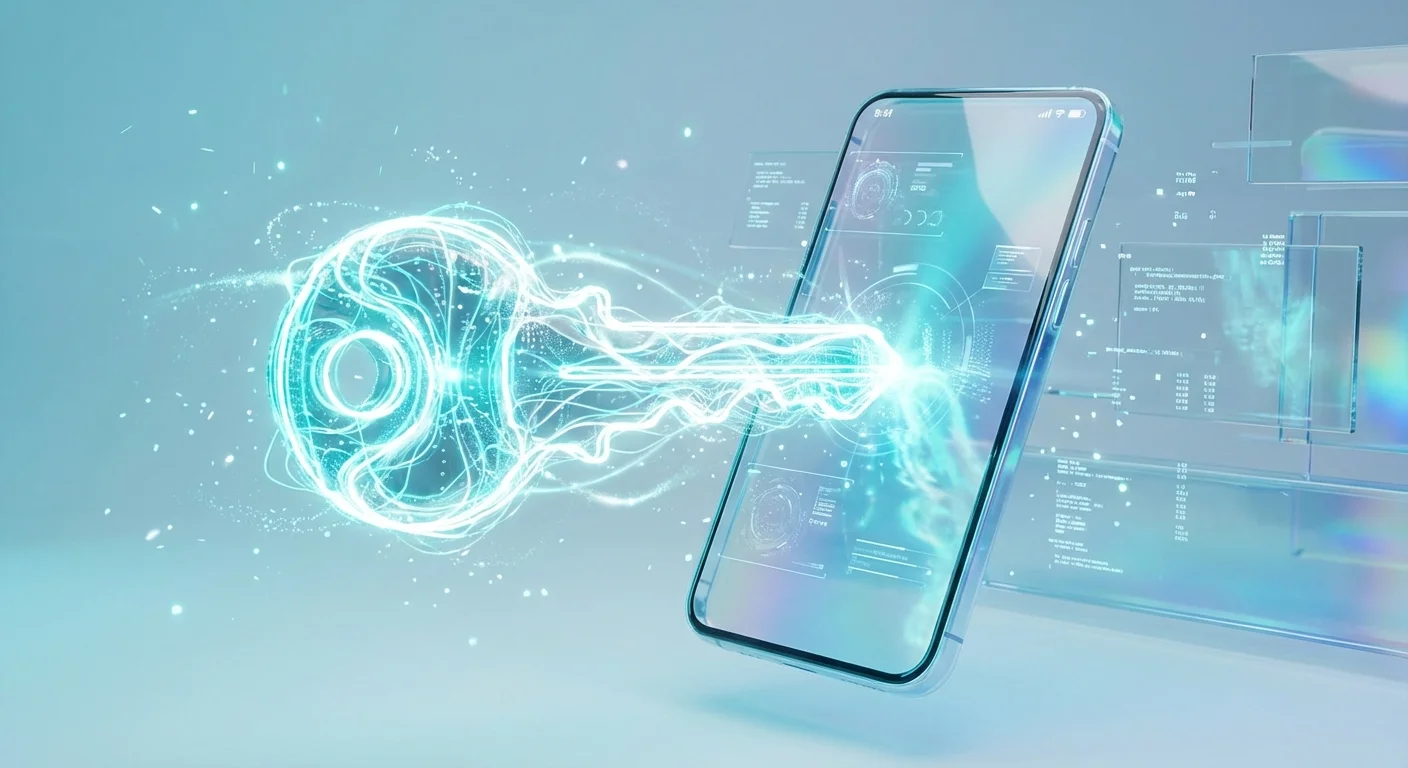
The industry is currently moving toward a new standard called “Passkeys.” Developed by the FIDO Alliance and supported by giants like Google, Apple, and Microsoft, passkeys aim to replace passwords entirely. A passkey uses your phone’s biometric hardware to create a unique digital signature for every site you visit.
Unlike a password, a passkey cannot be “phished” because there is no code for you to give away. The website and your phone perform a cryptographic handshake that requires your biometric approval. Many major US banks are currently testing or implementing passkey support. This technology combines the convenience of Face ID with a level of security that far exceeds even the strongest 20-character password.
Practical Action Plan for Your Bank Security
To ensure your banking is as safe as possible today, take these four concrete steps:
Step 1: Audit your “Authentication” settings. Open your banking app and look for “Security Settings.” Enable Face ID for login, but ensure that “Two-Factor Authentication” (2FA) is turned on for all transfers. If the app allows it, choose an authenticator app (like Google Authenticator or Authy) rather than SMS codes, as “SIM swapping” makes text codes vulnerable.
Step 2: Set up “Significant Change” alerts. Most banks, including those insured by the FDIC, allow you to receive a push notification or email every time a transaction over a certain amount (e.g., $100) occurs. This allows you to catch fraud in real-time rather than at the end of the month.
Step 3: Secure your email. Your email is the “skeleton key” to your financial life. If a hacker gets into your email, they can reset your bank passwords regardless of whether you use Face ID. Ensure your email account has a unique, long passphrase and its own hardware or app-based 2FA.
Step 4: Practice “Digital Hygiene” with your face. Be mindful of your surroundings when using Face ID. While it is hard to spoof, you don’t want to make it easy for someone to observe your device’s PIN if Face ID fails (which it often does in low light or with sunglasses). If your phone fails to recognize you, move to a different spot rather than repeatedly typing your PIN in a crowded area.
Frequently Asked Questions
Can someone use a photo of me to unlock my bank app?
No. Modern biometric systems like Face ID use infrared sensors to create a 3D map and “liveness” detection. A 2D photo lacks the depth information required to trigger a match. Even high-quality video usually fails these checks.
What happens if I get plastic surgery or an injury?
Most biometric systems are designed to learn. If your appearance changes gradually, the mathematical model updates. However, if there is a radical change, the system will fail and ask for your backup passcode. Once you enter the correct passcode, you can recalibrate the biometrics with your new appearance.
Is my fingerprint safer than my face?
Both have pros and cons. Fingerprints are slightly easier to “lift” from a surface (like a glass you touched), but they are less prone to being triggered by a family member who looks like you. From a practical banking perspective, both are considered highly secure and far superior to simple passwords.
If my phone is stolen, can the thief get into my bank?
Not easily. Even if they have your phone, they need your face or your backup passcode. Most banking apps also have an “auto-lock” feature that requires re-authentication every time the app is closed or the screen turns off. This is why you should set your phone’s “Auto-Lock” timer to the shortest possible duration (30 seconds to 1 minute).
Next Steps for Your Financial Safety
Technology is a tool, not a total shield. While Face ID is statistically safer than the way most people use passwords, its true value is in how it removes the “friction” of staying secure. Because it is easy, you are more likely to use it every time—which is the most important part of any security strategy.
Take ten minutes today to review your mobile banking settings. Turn on those alerts, check your 2FA methods, and ensure your backup passcode isn’t something obvious like your birth year or “1234.” By combining the high-tech power of biometrics with the common-sense logic of a strong passphrase, you create a formidable defense against anyone trying to compromise your financial future.
The information in this guide is meant for educational purposes. Your specific circumstances—including income, debt, tax situation, and goals—may require different approaches. When in doubt, consult a licensed professional.
Last updated: February 2026. Financial regulations and rates change frequently—verify current details with official sources.






Leave a Reply